
Canvas Groups Disappear
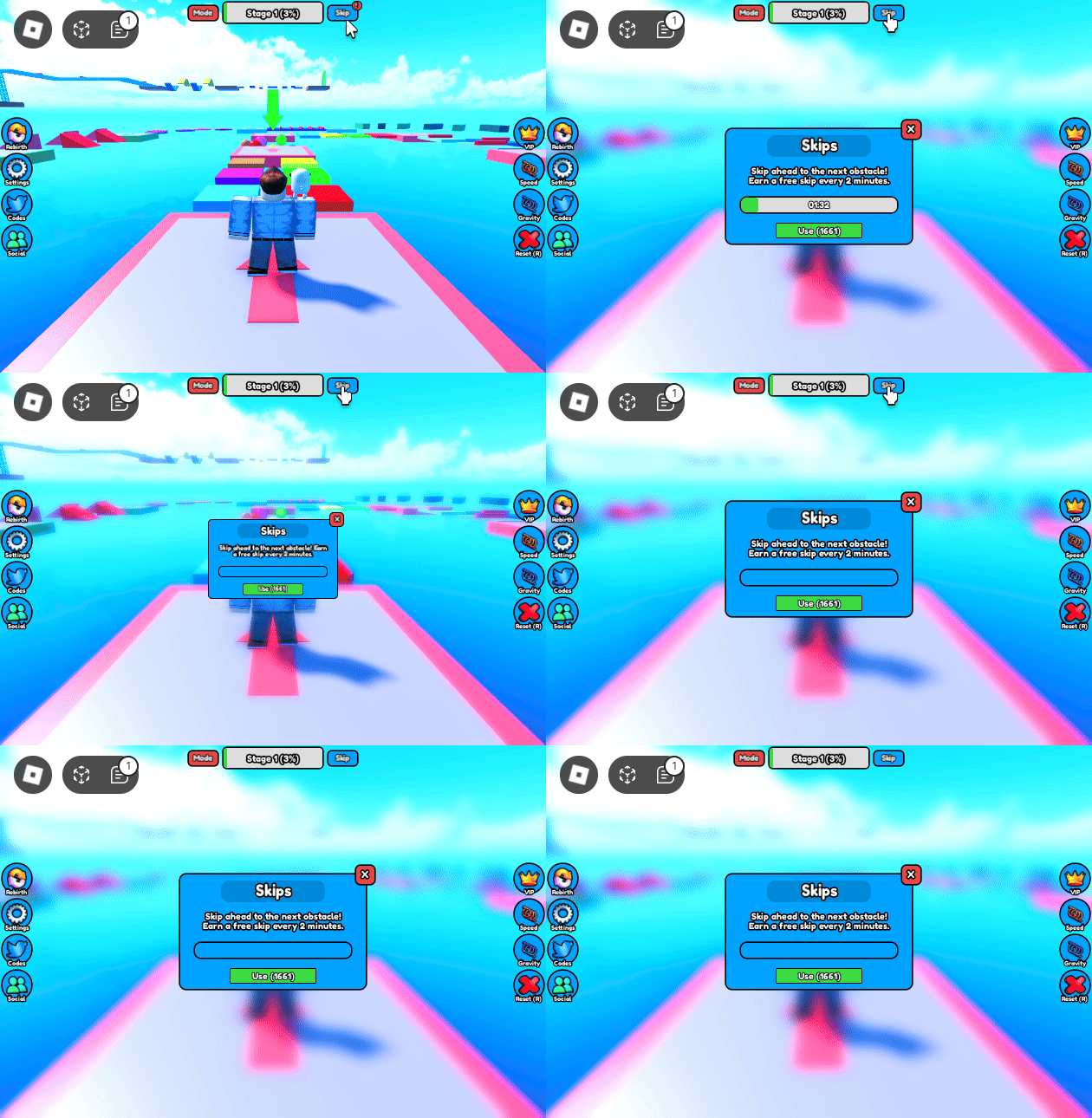
UPDATE 9/7/2024: Roblox has resolved this issue in release 637.
We use Canvas Group instances to create progress bars components in a few of our Guis. These instances make our job easier due to how they work, but unfortunately they come with a pretty drastic issue as well. This issue will cause all of the instances stored inside of the Canvas Group to no longer be displayed. This issue has been reported on the developer forum since late 2022.
This issue can randomly occur whenever either axis of the size of a Canvas Group is adjusted down to 0.
Solution
What I would describe as a “band-aid” solution has been found for this issue by one of our series testers, Bobby. In order to restore the visibility of all the child instances inside of the Canvas Group, we can parent the Canvas Group to the PlayerGui service, wait at least a millisecond, and then reparent it back to where it was originally.
Implementing the solution is dependant on how you’re using the Canvas Group. One basic implementation could be listening for the Size property of the Canvas Group to change and then reparenting it once it does.
local canvasGroup = descendant.Parent:FindFirstChildWhichIsA("CanvasGroup", true)
if canvasGroup then
	canvasGroup:GetPropertyChangedSignal("Size"):Connect(function()
		local parent = canvasGroup.Parent
		canvasGroup.Parent = PlayerGui
		task.delay(0, function()
			canvasGroup.Parent = parent
		end)
	end)
end
Another thing to consider is if you use UI Scale instances. These can affect Canvas Groups, but won’t actually cause their Size property to be adjusted, even though the issue still occurs.